SCANNING AND REMOVING BLUE LINES FROM AN INKED/PENCILED DRAWING
STEP 1:
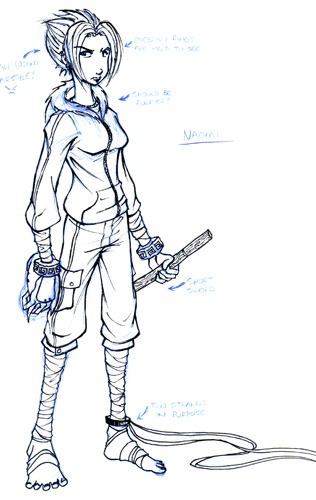
Scan your image in full color. I usually start at 300 dpi, which I then shrink to a web-friendly 72 dpi when I save. If your computer isn't very fast, you can go down to 150 dpi, but only if you don't expect to professionally print your images later.
STEP 2:
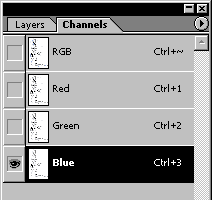
Your image should be in RGB mode by default. Go to the Channels window and highlight just the Blue channel (ctrl+3). Your image should now be black and white.
STEP 3:
Select all (ctrl+a), copy (ctrl+c), and paste (ctrl+v) into the Green and Red channels. Deselect everything (ctrl+d).
STEP 4:
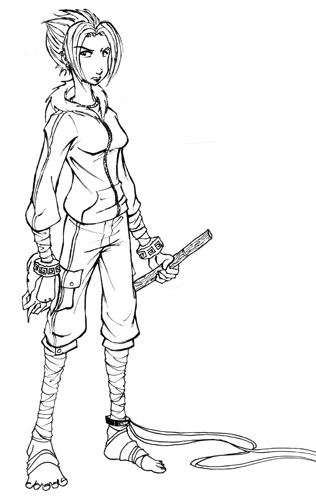
Highlight the RGB channel (ctrl+~). Use Levels (ctrl+l) to clean up any rough edges or pencil ghosts.